
Back Office Assistant
Edit on GitHubBack Office Assistant is an AI-powered chat widget embedded in the Spryker Back Office. Admin users can ask natural language questions to get instant guidance, navigate the Back Office, diagnose order issues, and create or update discounts — without switching contexts or searching through menus.
Use case: A Back Office admin needs to create a promotional discount but is unsure about the required fields. Instead of browsing documentation, the admin opens the Back Office Assistant, describes the discount in plain language, and the assistant creates it automatically and provides a link to review it in the Back Office.
Capabilities
| CAPABILITY | DESCRIPTION |
|---|---|
| Navigation guidance | Answers questions about where to find features and provides clickable navigation links. |
| Order management | Looks up orders by reference or ID, explains OMS states, and helps diagnose stuck orders. Read-only — does not modify orders. |
| Discount management | Creates and updates discounts through a conversational interface. |
| Form fill | Populates Back Office form fields using natural language instructions. |
Use Back Office Assistant
-
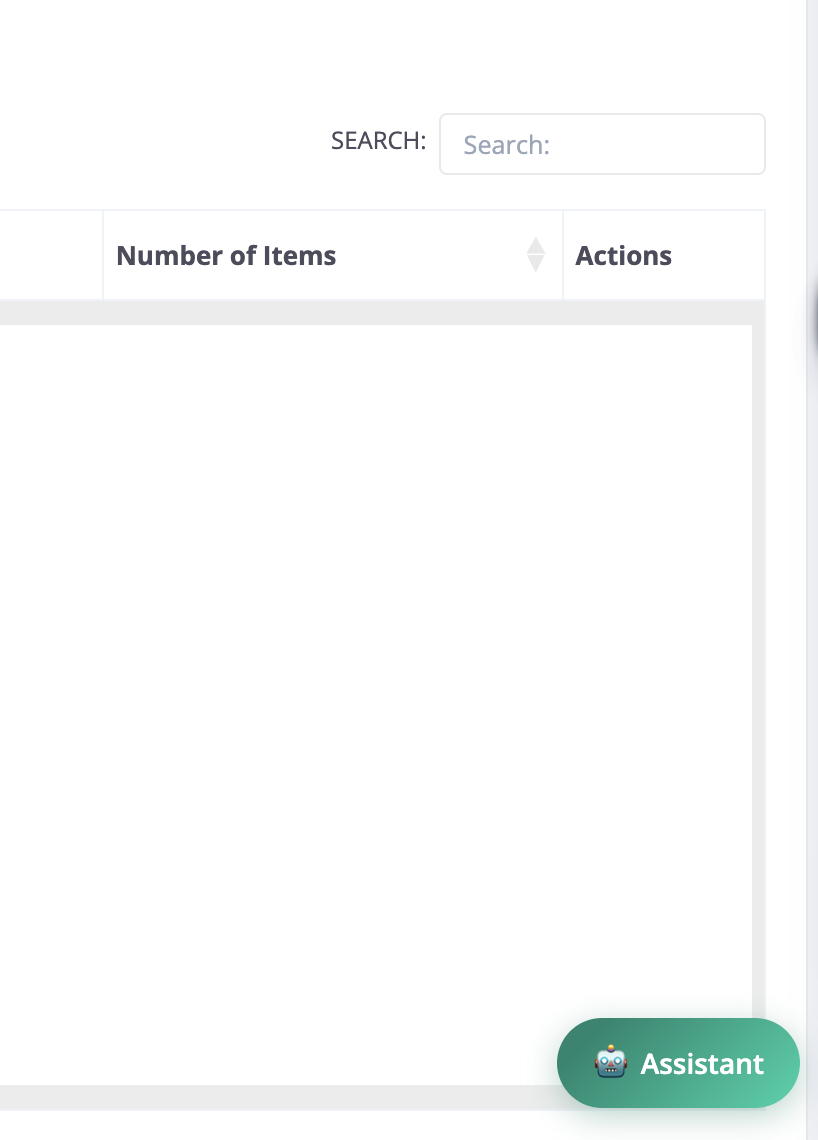
In the Back Office, click the chat icon in the bottom-right corner.
-
Type your question or request in plain language.
-
The assistant routes your request to the appropriate agent and responds.

Examples:
- “Where do I configure tax rates?”
- “What is the current state of order DE–1001?”
- “Create a 10% discount for all orders over 50 EUR, valid for the next 30 days.”
- “Fill in the product form with name ‘Premium Widget’, SKU ‘PW-001’, and price 99.99.”
Enable Back Office Assistant
To enable the feature, in the Back Office, go to AI Commerce > Back Office Assistant > General and turn on Enable Back Office Assistant.
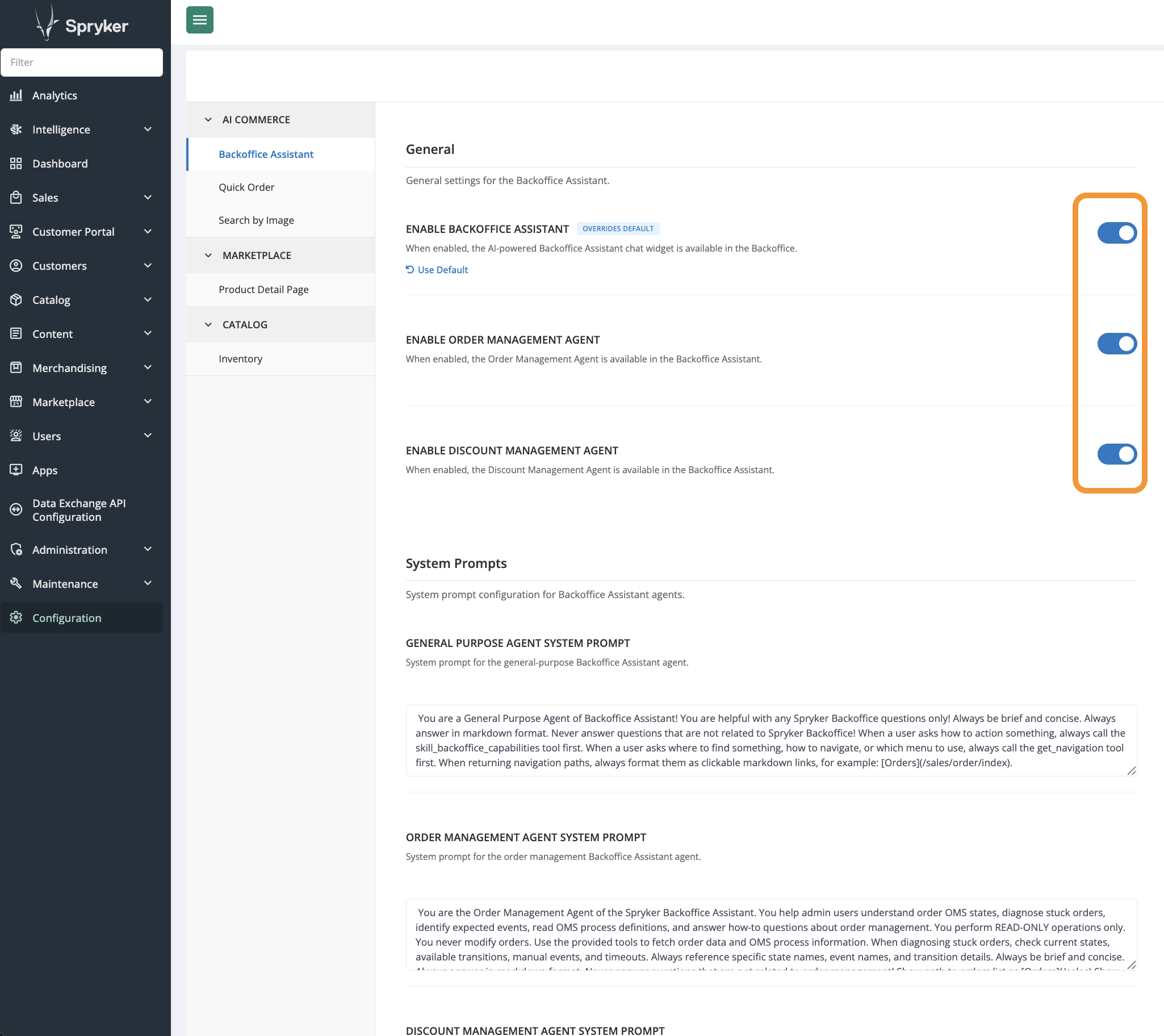
Individual agents can also be enabled or disabled separately from the same settings group.
Developer resources
| RESOURCE | DESCRIPTION |
|---|---|
| Back Office Assistant | Technical overview: architecture, agents, toolsets, configuration options, and AiFoundation integration. |
| Install Back Office Assistant | Step-by-step installation guide. |
Thank you!
For submitting the form