
Claude Code Plugin
Edit on GitHubThe AiDev module is experimental and not stable. There is no backward compatibility promise for this module. We welcome your feedback and contributions as we continue to develop and improve this module.
The MCP server runs inside your Spryker Docker container. Start your project with docker/sdk run before using any skills that rely on MCP tools.
Overview
Working with Spryker in an AI coding assistant without project-specific context leads to a predictable pattern: the AI generates plausible-looking code that does not follow Spryker’s layer architecture, uses the wrong patterns, or misses module conventions entirely. You end up spending more time correcting mistakes than you saved.
The spryker-ai-dev-sdk Claude Code plugin closes this gap. It gives Claude Code deep knowledge of how Spryker projects are structured — layers, namespaces, plugin stacks, transfer objects, OMS flows — so the code it generates fits your project from the start instead of requiring repeated corrections.
What it does for you:
- No more explaining Spryker basics. Rules covering 20 Spryker architectural patterns are automatically loaded into every session. Claude Code knows about factories, dependency providers, expanders, mappers, and more without you having to explain them.
- Correct code on the first attempt. Skills for common Spryker tasks — Propel schema changes, data importers, functional tests, payment integrations, atomic frontend components — follow the exact conventions your project expects.
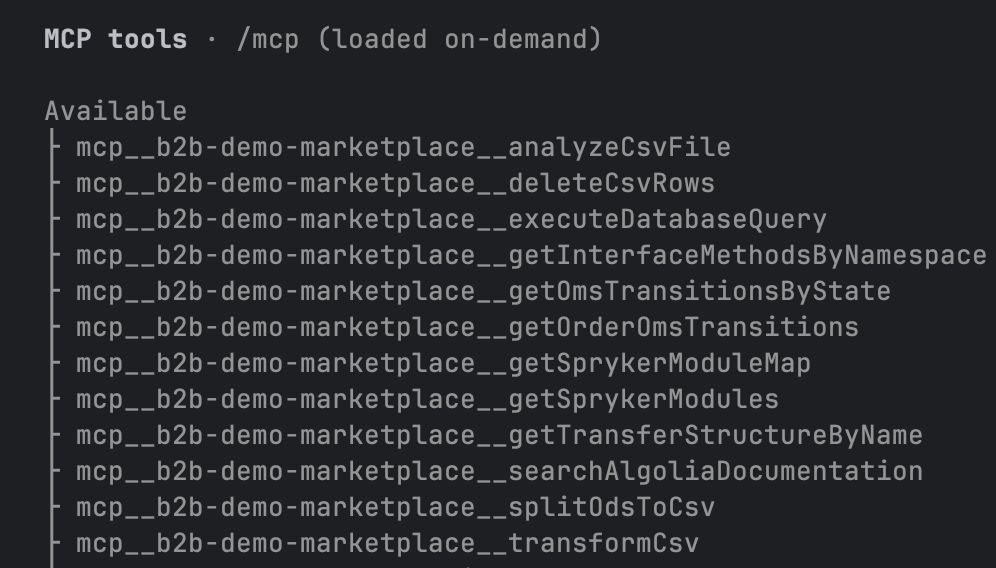
- Live project context. The MCP server runs inside your Docker container and gives Claude Code real-time access to your transfer objects, module interfaces, and OMS configuration. The AI works with your actual project data, not guesses.
- Consistent code reviews. The
spryker-code-reviewersubagent checks your changes against Spryker’s coding standards and architectural rules, catching issues before they reach a PR. - Team-wide consistency. Generated rules and context files are committed to your repository, so every developer on the team works with the same AI configuration.
The plugin is distributed through the spryker-plugins-official marketplace and installed directly inside Claude Code.
Prerequisites
- Claude Code installed
- Your Spryker project is running:
docker/sdk run
Install the plugin from the marketplace
-
Open Claude Code in your terminal.
-
Add the Spryker plugin marketplace:
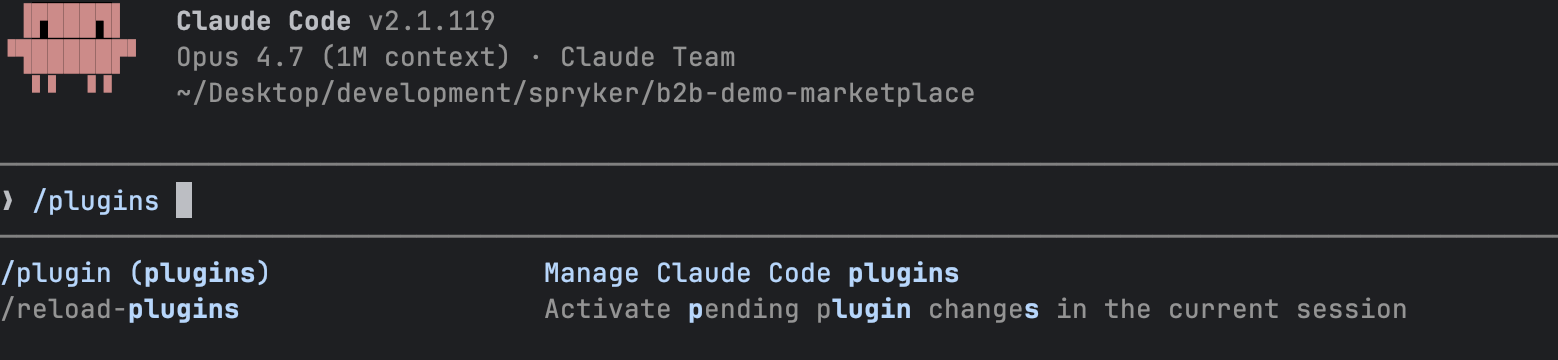
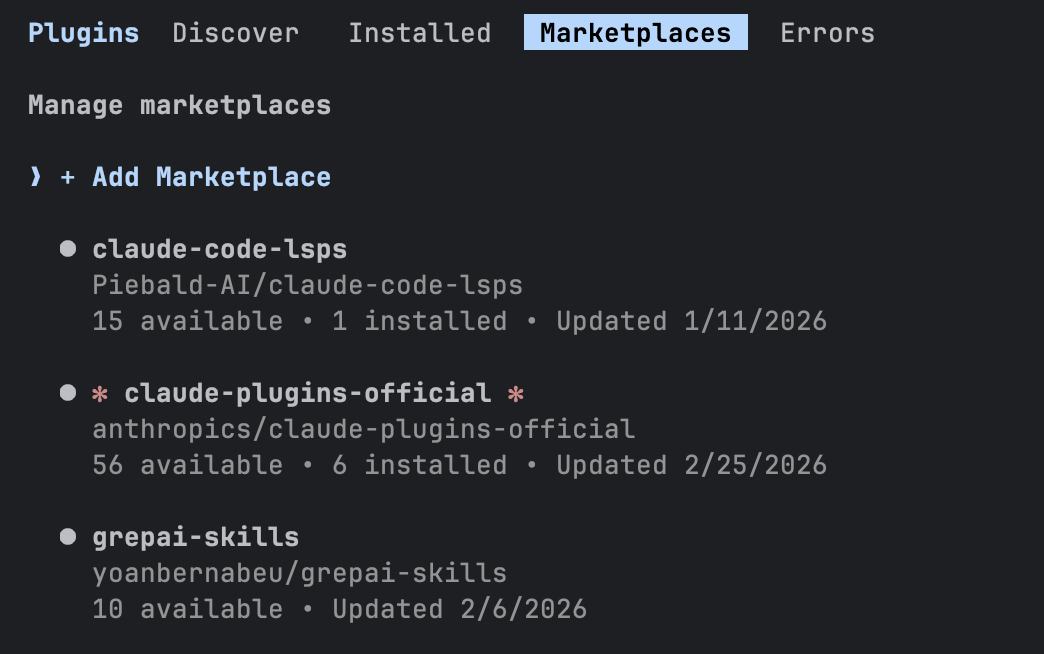
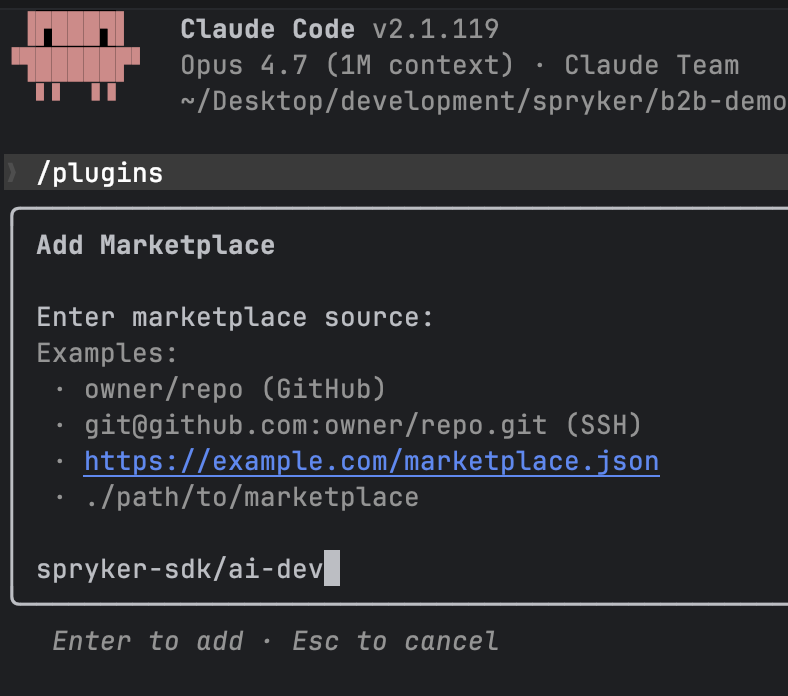
-
Install the plugin:
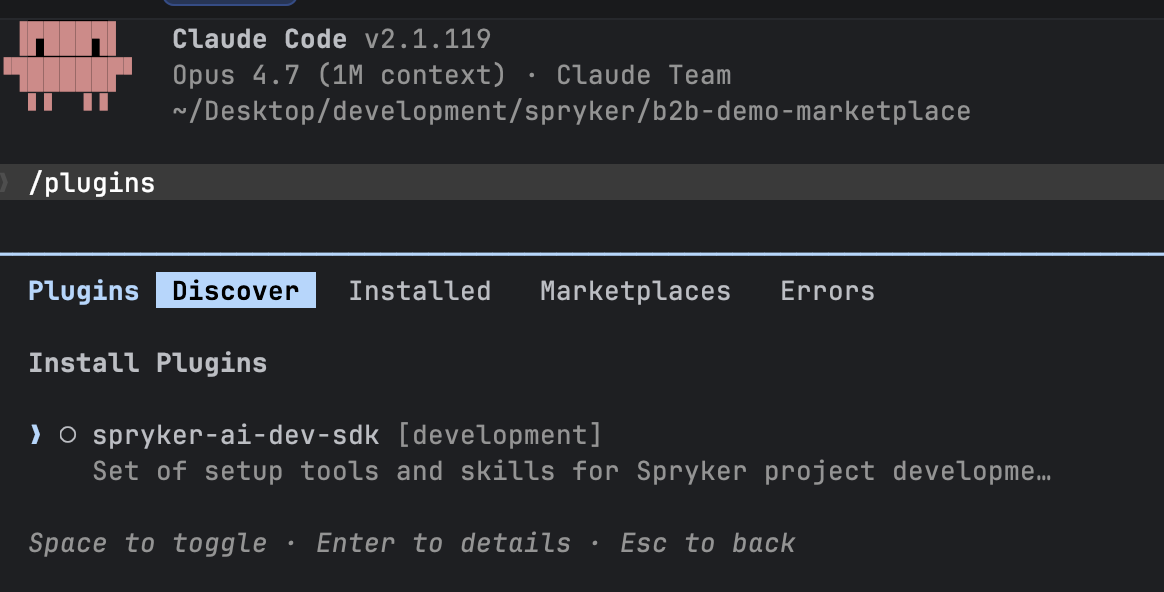
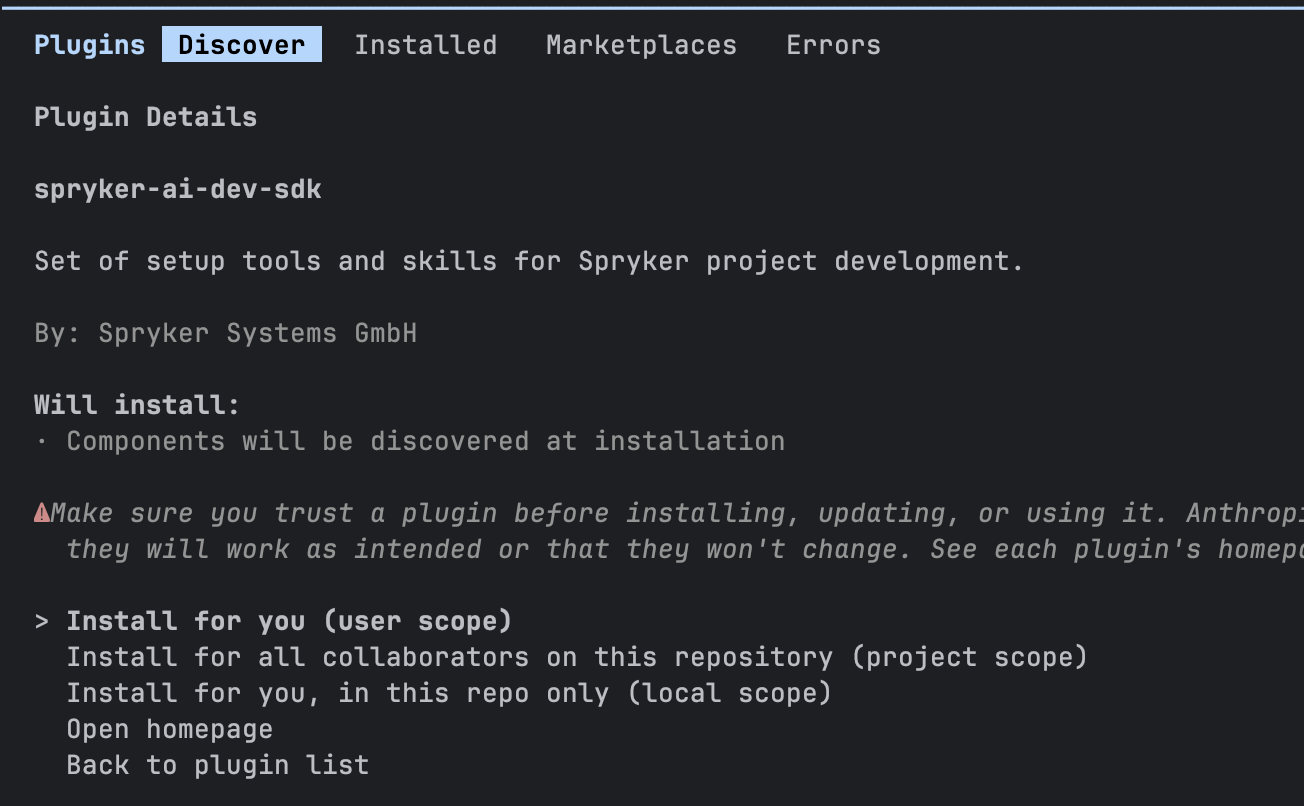
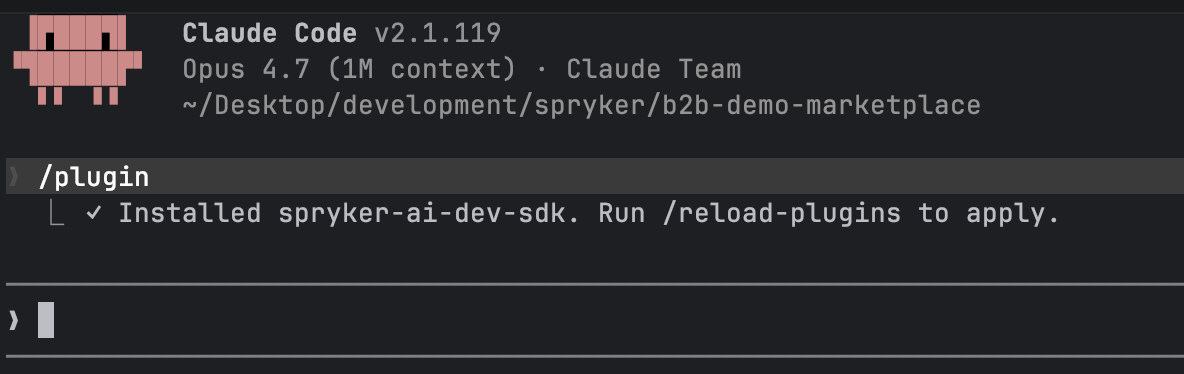
-
After installation, reload plugins in Claude Code.
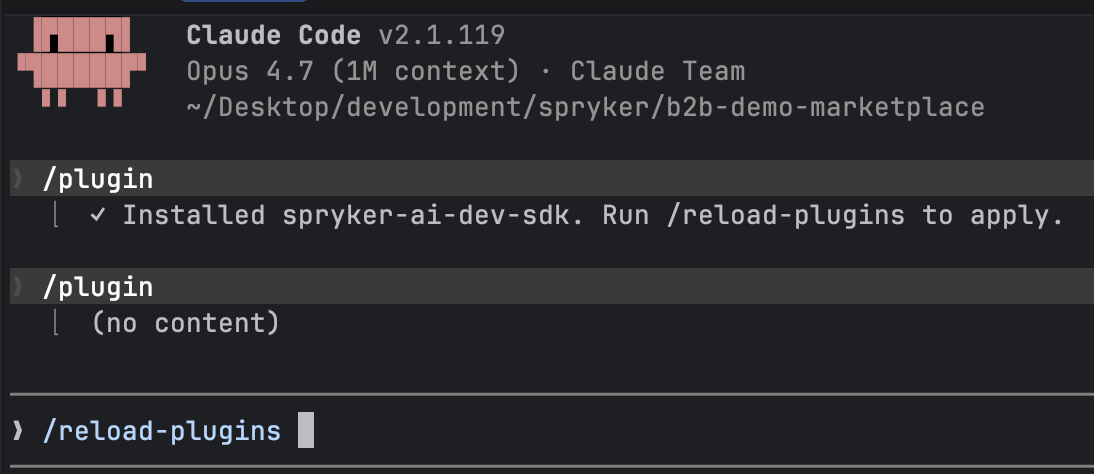
Set up AI tooling for your project
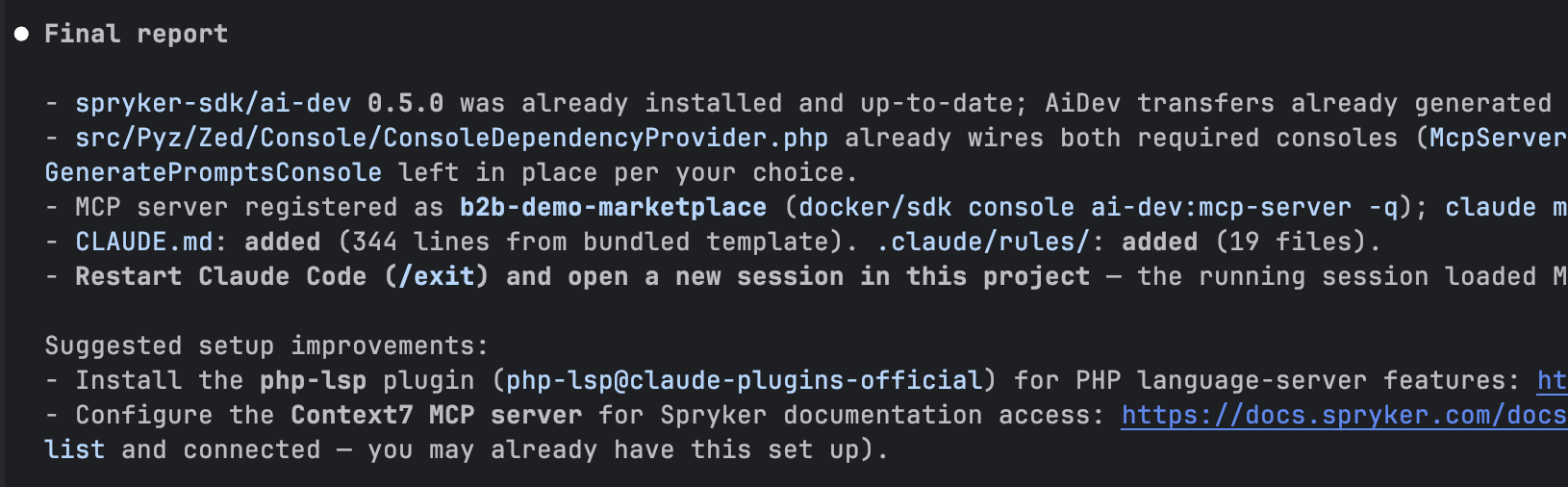
After installing the plugin, run the ai-dev-setup skill to configure your project. The skill generates rules, context files, and reusable AI skills tailored to your project and AI tool.
In Claude Code, run the setup skill:
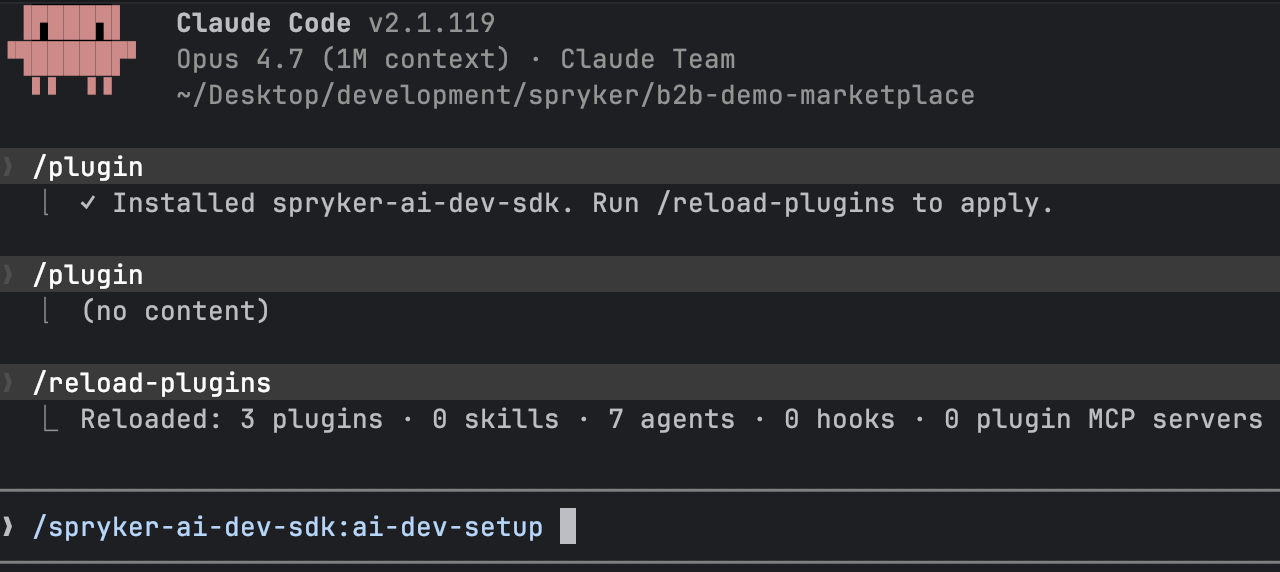
The skill:
- Installs the
spryker-sdk/ai-devpackage in your Spryker project. - Wires up console commands for
McpServerConsoleandAiToolSetupConsole. - Registers the AI Dev MCP server with Claude Code.
- Adds
.claude/rules/with Spryker coding conventions and architectural guidelines. - Adds
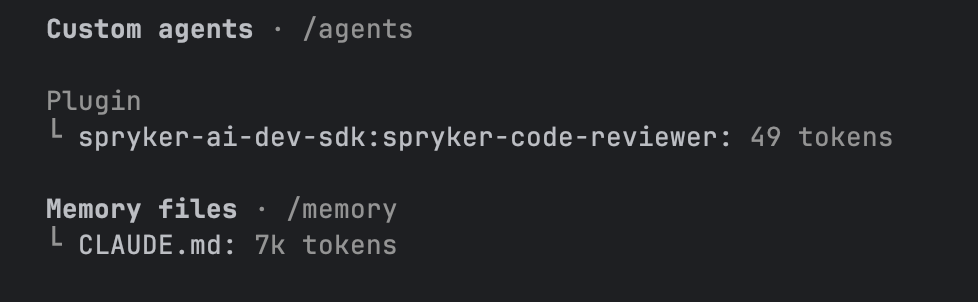
CLAUDE.mdwith project-specific context loaded into every Claude Code session.
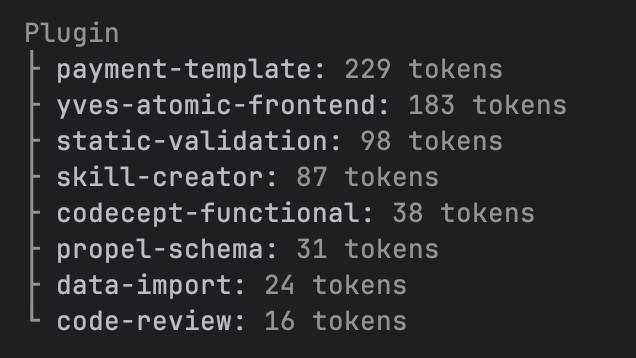
Check with running /context in Claude Code to see:
Capabilities
For a one-page reference of every skill and agent — what each does, when to use it, and the value it adds — see AI Dev SDK Skills and Agents.
Skills
The plugin bundles the following Spryker-aware skills. Invoke them in Claude Code with the / prefix.
| Skill | Command | Description |
|---|---|---|
| AI Dev Setup | /spryker-ai-dev-sdk:ai-dev-setup |
Generates rules, a context file, and skills for your project and AI tool |
| Code Review | /spryker-ai-dev-sdk:code-review |
Reviews staged or PR changes against Spryker coding standards |
| Propel Schema | /spryker-ai-dev-sdk:propel-schema |
Helps create and modify Propel ORM schema files following Spryker conventions |
| Data Import | /spryker-ai-dev-sdk:data-import |
Assists with creating and modifying data import CSV files and importers |
| Codecept Functional | /spryker-ai-dev-sdk:codecept-functional |
Generates Codeception functional tests following Spryker test patterns |
| Static Validation | /spryker-ai-dev-sdk:static-validation |
Runs and interprets static analysis tools (PHPStan, PHP CS Fixer) |
| Payment Template | /spryker-ai-dev-sdk:payment-template |
Scaffolds payment method integration following Spryker payment module patterns |
| Yves Atomic Frontend | /spryker-ai-dev-sdk:yves-atomic-frontend |
Helps create atomic design components for the Yves frontend |
| Product Requirement Document | /spryker-ai-dev-sdk:product-requirement-document |
Drafts a research-grounded product requirement document for a Spryker feature before implementation |
| Spryker Customization | /spryker-ai-dev-sdk:spryker-customization |
Orchestrates the end-to-end build of a customization from product requirement document to committed branch |
| Spryker Bugfix | /spryker-ai-dev-sdk:spryker-bugfix |
Orchestrates the end-to-end bug fix from a ticket or description to a committed, validated, QA-accepted branch (Autonomous mode adds a pushed Draft PR with a CI watch loop) |
| Spryker Refresher | /spryker-ai-dev-sdk:spryker-refresher |
Runs the right post-change console and composer commands after edits |
| Spryker QA Coverage | /spryker-ai-dev-sdk:spryker-qa-coverage |
Turns acceptance criteria into a four-bucket test plan and executes it against the running app |
| Spryker Docs Research | /spryker-ai-dev-sdk:spryker-docs-research |
Looks up grounded answers in the official Spryker documentation |
| Spryker Runtime | /spryker-ai-dev-sdk:spryker-runtime |
Drives the running Spryker application — storefront, back office, console, HTTP |
| AI Runtime Debugging | /spryker-ai-dev-sdk:ai-runtime-debugging |
Adds tagged debug logs (and optional XDebug) for inspecting Spryker runtime state |
| Project CI Generator | /spryker-ai-dev-sdk:project-ci-generator |
Rebuilds an inherited product-style CI setup into a single, lean project CI pipeline, keeping only the jobs and support files the project needs |
Subagents
The plugin includes the following subagents. They are isolated sub-conversations that the assistant delegates to for focused, single-purpose work:
| Subagent | Description |
|---|---|
spryker-code-reviewer |
Performs deep code reviews of your changes against Spryker architectural patterns, coding standards, and best practices |
spryker-feature-expert |
Answers questions about how a Spryker feature, module, or capability works, grounded in docs and the project’s actual code |
spryker-verifier |
Verifies a specific behavior in the running Spryker environment and returns PASS, FAIL, or BLOCKED per acceptance criterion with raw evidence |
spryker-issue-diagnoser |
Investigates a failure across logs, database, queue, search, and browser state and returns a root cause |
spryker-data-seeder |
Creates small additive test data through Spryker’s existing data import path |
spryker-screenshot-collector |
Captures screenshots and short GIFs of pages and flows for demos and documentation |
Rules
The ai-dev-setup skill writes a set of Spryker-specific coding rules into your project. These rules guide the AI to follow Spryker conventions automatically, without requiring you to explain them in every prompt.
| Rule file | What it enforces |
|---|---|
business-models.md |
Business model structure and responsibilities |
client-zed-communication.md |
Client–Zed gateway communication patterns |
controller.md |
Controller conventions and responsibilities |
dependency-provider.md |
Dependency provider wiring and plugin stacks |
enforce-constants-for-control-flow.md |
Use of constants instead of magic strings in control flow |
expander-pattern.md |
Expander pattern for extending transfer objects |
factory-pattern.md |
Factory class structure and dependency injection |
form-data-loading-performance.md |
Performant data loading in Zed forms |
layer-communication.md |
Cross-layer call rules (Presentation → Communication → Business → Persistence) |
mapper-pattern.md |
Mapper pattern for transfer-to-transfer and entity-to-transfer mappings |
module-config.md |
Module configuration class conventions |
naming-conventions.md |
Class, method, and variable naming standards |
owasp.md |
OWASP security guidelines applied to Spryker code |
performance.md |
Performance best practices (query optimization, caching) |
persistence.md |
Persistence layer conventions (repositories, entity managers) |
php-code-style.md |
PHP code style rules (PSR compliance, formatting) |
plugins.md |
Plugin and plugin interface implementation patterns |
table.md |
Back Office table and query container conventions |
transfer-object.md |
Transfer object usage and immutability rules |
upgradability.md |
Backward compatibility and upgradability guidelines |
Context file
The ai-dev-setup skill generates a CLAUDE.md context file based on the AGENTS.example.md template. This file is automatically loaded into every Claude Code session and provides:
- Common Docker CLI commands for your Spryker project
- Spryker application layer overview (Zed, Yves, Glue, Client, Service, Shared)
- Namespace and directory structure
- Component rules for controllers, plugins, factories, repositories, and more
- Abstract class references for all layers
The files generated by ai-dev-setup are a baseline derived from Spryker defaults. They cover general Spryker conventions but do not include anything specific to your project — custom modules, third-party integrations, team conventions, or environment details. Treat the generated CLAUDE.md and rules as a starting point and extend them with your project-specific requirements.
Thank you!
For submitting the form